Add a Track to Set the Direction
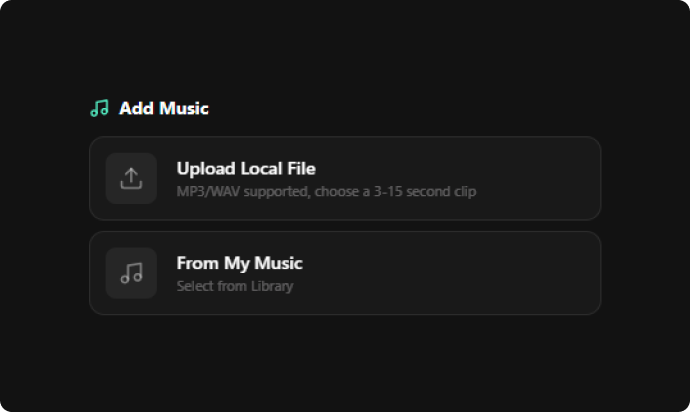
Upload an MP3 or WAV file and select a 3–15 second clip, or pick a track from your music library. Your selected audio sets the tone for your short, helping you build visuals around its rhythm, mood, and overall feel.
Use the Somio PixVerse AI video generator to turn music, prompts, and images into polished, beat-synced AI shorts online — no filming or advanced editing skills needed.
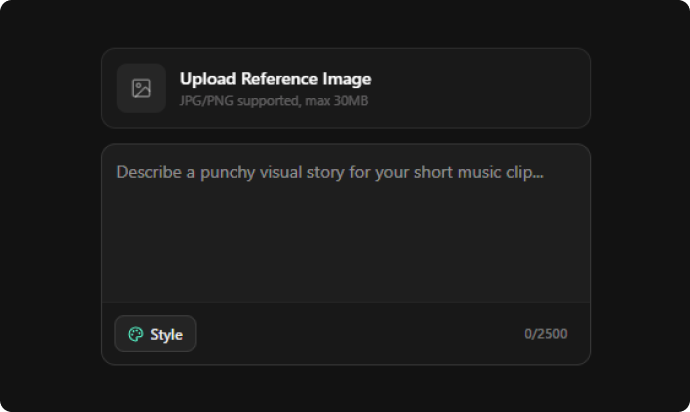
Bring your ideas to life by pairing descriptive text prompts with your selected music. Describe the subject, action, and atmosphere you want to see, and our PixVerse AI video generator will convert your directions into dynamic scenes, from cinematic camera movements to expressive character actions, shaping engaging visuals without filming or manual animation.
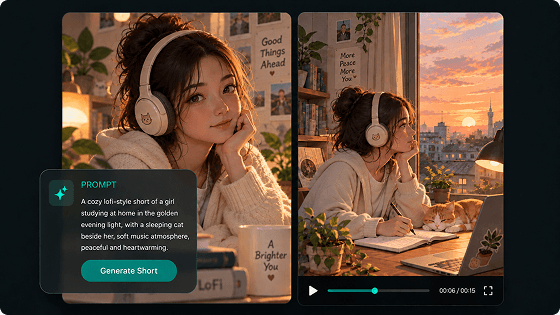
Turn photos, illustrations, or character portraits into dynamic scenes with our PixVerse AI image to image-to-video generator. Upload a reference image, pair it with your favorite music, and describe the motion, lighting, or camera direction. Transform static visuals into immersive, beat-synced short videos without creating every scene from scratch.
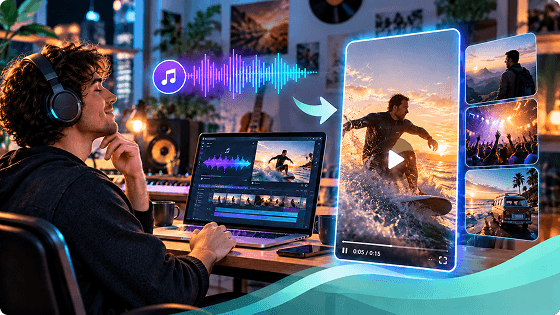
Guide the visual flow by describing camera movements and subject actions alongside your background music. From slow push-ins and tracking shots to dramatic wide-angle reveals, our PixVerse AI video maker helps you refine motion details to match your audio beats, creating seamless visual rhythm instead of random-looking clips.
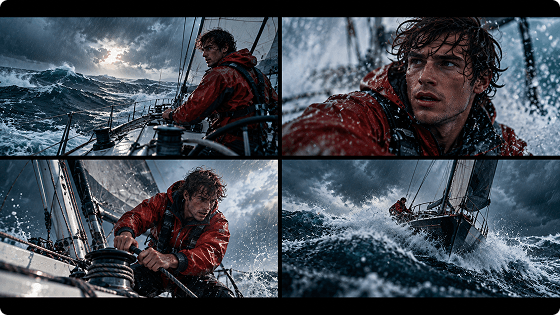
PixVerse helps keep characters consistent across shots. Upload a reference image to guide their appearance, then describe key features and reinforce details in your prompts. Maintain cohesive characters and environments across scenes to create a unified music video rather than disconnected clips.
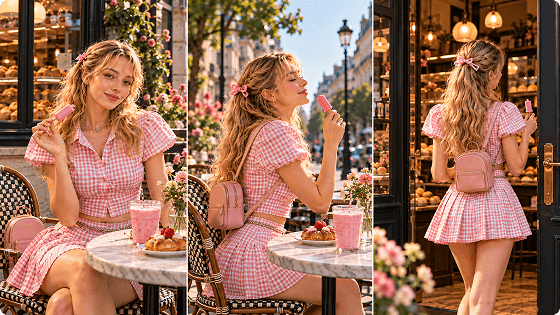
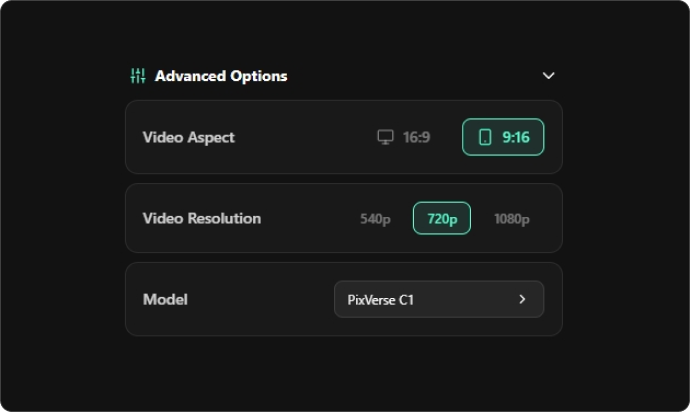
With our PixVerse AI video generator, tailor each short to its destination by selecting a 9:16 vertical or 16:9 landscape layout. Choose the format that suits social feeds, website embeds, video platforms, or wider screens, so your visuals fit naturally wherever people watch.
Clear visuals showcase expressions, product details, textures, and lighting. Our PixVerse shorts music video generator supports up to 1080p output. Describe the subject, textures, and layout, then choose a high-resolution option for polished, shareable clips.
Match the visual style to your music, brand, story, or audience rather than forcing every idea into the same aesthetic. Create short music videos in a variety of visual styles, including cinematic scenes, photorealistic imagery, 3D animation, illustration, and more.
Create original short videos for music releases, promotional campaigns, social posts, and more with our PixVerse AI video maker. Share your visuals across channels with more freedom, without extra royalty fees, and publish content with greater confidence.
Our PixVerse AI video generator online workflow on Somio brings music, prompts, visual styles, and reference images into one browser-based process. Spend less time managing a fragmented workflow and more time exploring the creative direction that works for you.
PixVerse-based shorts can serve as visual building blocks for visuals that carry the entire song and follow a more continuous performance concept. Somio also offers an AI music video generator powered by PixVerse AI for when you want to build visuals around a complete musical track up to 8 minutes long.
From social media shorts and cinematic story concepts to animated characters and engaging brand ads, use PixVerse to create distinctive videos for different platforms, creative projects, and promotional needs.
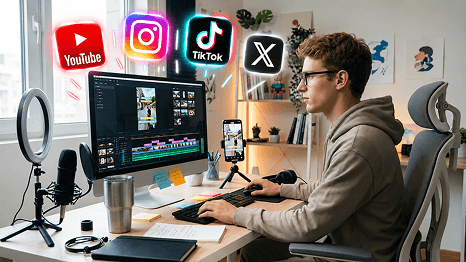
Refresh your social feed with our PixVerse AI video generator in 2026. Turn music, prompts, or photos into short videos for TikTok, Instagram Reels, and YouTube Shorts. Develop more varied short-form content while reducing the work required to produce every new visual.
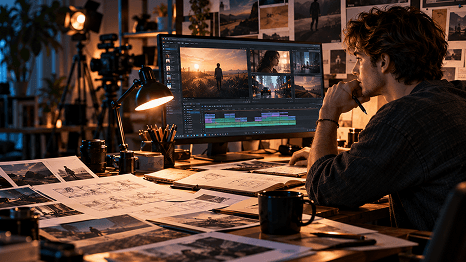
Turn written story ideas and musical concepts into visual previews with our PixVerse AI video generator. Describe the setting, character actions, lighting, camera movement, and mood alongside your audio tracks to explore scenes. Evaluate visual concepts earlier and communicate story ideas or song narratives more clearly before investing in a larger production.
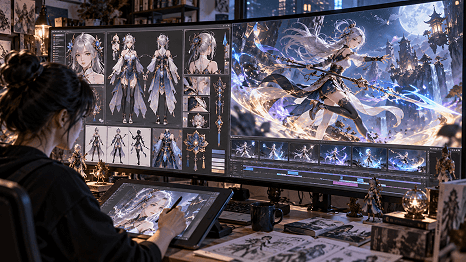
Bring character designs to life with our PixVerse AI video maker. Upload your song, artwork, describe actions like walking, turning, or posing, and preview movement, mood, and music syncing for storyboards, song promos, animation concepts, or promotional clips—without building a full animation project first.
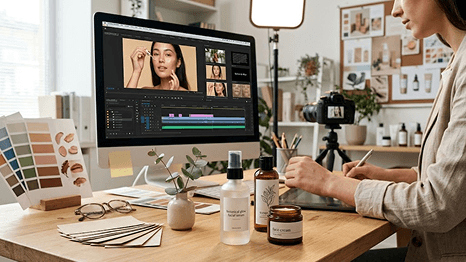
Create compelling product ads with our PixVerse AI video generator. Upload a product photo, engaging music, describe the setting, lighting, and camera movement, then explore promotional videos for launches, social campaigns, and presentations without arranging a full product shoot for every idea.
Turn your songs into creative visuals with our AI music video generator and create engaging videos for any platform with ease.
Create AI singing videos and make your pictures sing with synced vocals and realistic lip movements for more immersive performances.
Create AI dance videos with popular moves from templates or your own references. Make images dance with natural motion.
Turn audio into video with AI-generated visuals designed to fit the mood, rhythm and style of your tracks.
Make lyric videos with automatically synced lyrics and visuals to make your songs more shareable across social platforms.
Make karaoke videos online with synced lyrics and music, perfect for singing along and sharing your favorite songs anywhere.
The PixVerse AI video generator uses advanced AI to transform text prompts and static images into cinematic short videos. It is known for fast generation, precise motion and camera controls, high-quality visuals, and realistic AI effects. On Somio, this PixVerse AI short music video maker lets you upload your favorite music, select a 3–15 second snippet, choose a visual style, and combine text prompts or reference images to generate eye-catching shorts without filming or manual animation instantly.